**NOTE** - This is not related to the CT Application Suite it is within the CT Desktop Application
Occasionally a user will report an issue with being able to access the sweeps functionality within the Cleartouch Desktop Application.
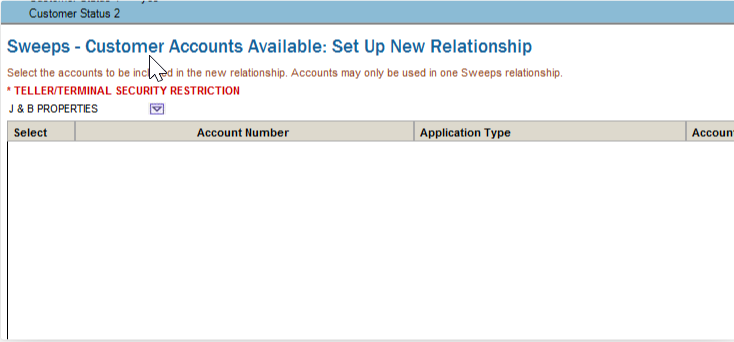
This is related to Passport permissions needing to be updated/configured:
Go to Cleartouch > Tasks > Passport > Employee
- Open the Passport employee/security administration area in Cleartouch.
Search by last name
- Locate the employee account that needs the permission update (in this case, likely Cecilia Ing).
Choose Update
- Edit the employee's Passport profile/security settings.
Change function authorities for Swp * (120-122) from 0 to 1
- Find the Sweep-related function authority entries numbered 120 through 122.
- Change their permission value from 0 (disabled/no access) to 1 (enabled/access granted).
- Click "Update > Continue" all the way through as the authorities needed are not all on the same page
Sign out and back in
- Have the user log out of Cleartouch and log back in so the permission changes are applied
Was this article helpful?
That’s Great!
Thank you for your feedback
Sorry! We couldn't be helpful
Thank you for your feedback
Feedback sent
We appreciate your effort and will try to fix the article