When a new user is setup in Prologue, there is a known issue where the auto login script will not affect the user.
When they go to login, they will be met with the following message below but could be a different number.
This can happen when a new user has been setup that has been copied from an existing user.
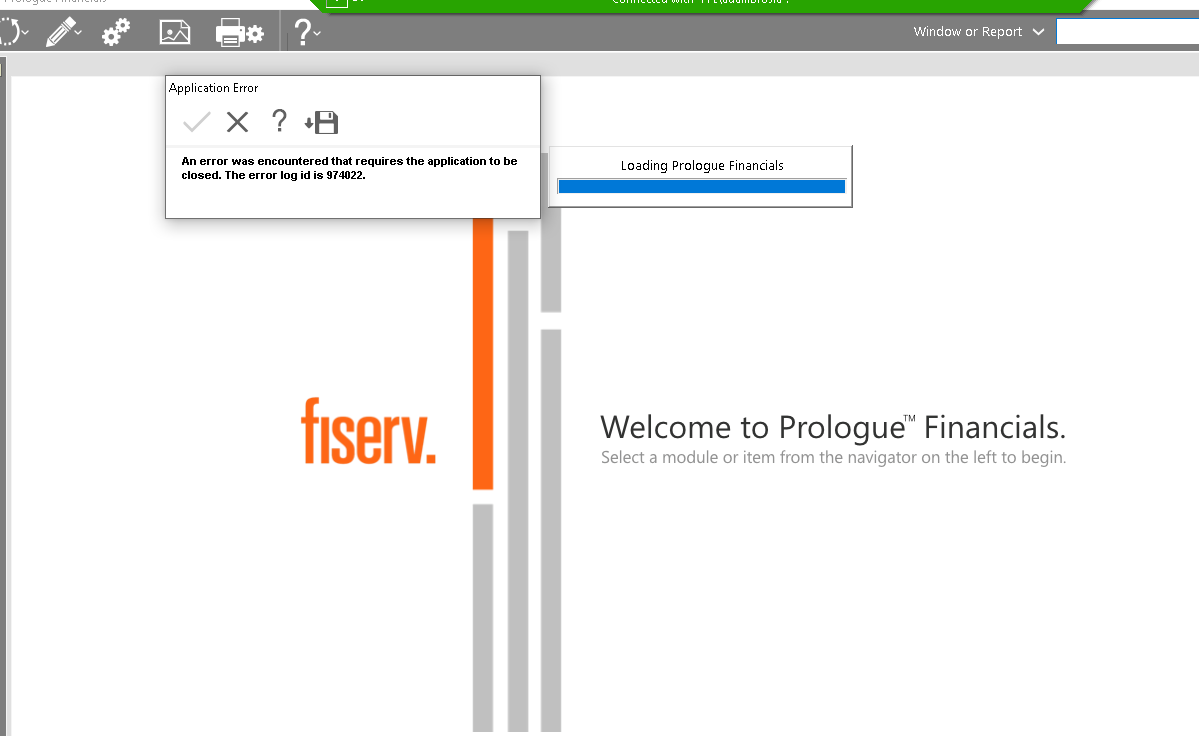
To resolve, here are the steps:
-RDP into the Prologue server (Prologue)
-Open Microsoft SQL Server Management Studio
-Expand Prologue
-Expand Databases
-Right Click Prologue
-New Query
-Paste script with 'user ID' This user ID will be different according to the ID they are given when set up in Prologue:
INSERT INTO am_user_option
(user_id, option_id, option_value)
SELECT '181', option_id, default_value
from am_component_user_option
-Execute (has a small green play button towards top left)
##Should say "(21 rows affected)
-Have user test that they can login
-Once user logs in, delete the script sqlquery and click "No" when asked to save.
Was this article helpful?
That’s Great!
Thank you for your feedback
Sorry! We couldn't be helpful
Thank you for your feedback
Feedback sent
We appreciate your effort and will try to fix the article