If the main URL to log into ADSelfService Plus changes (due to an updated site security certificate or other reason), some users may encounter the message below when attempting to self-unlock their account:
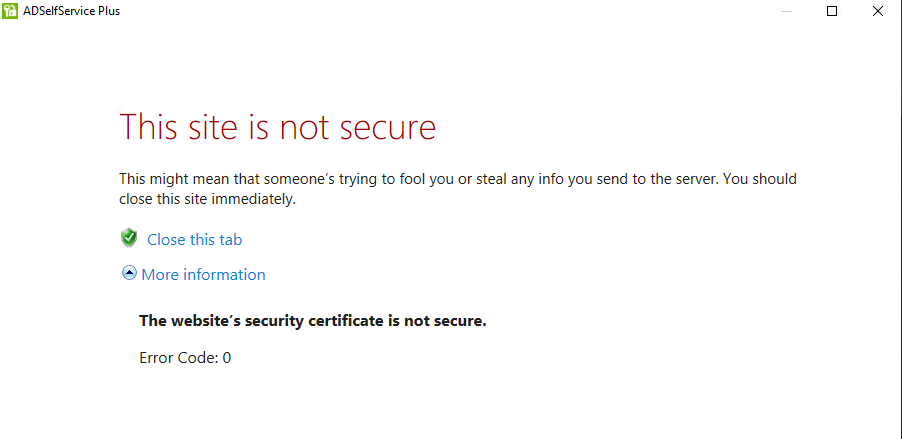
The message is not able to be bypassed, so the user is stuck and has to contact IT to be unlocked in AD.
When the URL changes, you need to update the Access URL in the ADSSP Admin portal, then re-push the client to all workstations. See details here: https://pitstop.manageengine.com/portal/en/community/topic/this-site-is-not-secure-logon-screen-only
Was this article helpful?
That’s Great!
Thank you for your feedback
Sorry! We couldn't be helpful
Thank you for your feedback
Feedback sent
We appreciate your effort and will try to fix the article