Occasionally, a new user may receive the following error message in ADSelfService Plus:
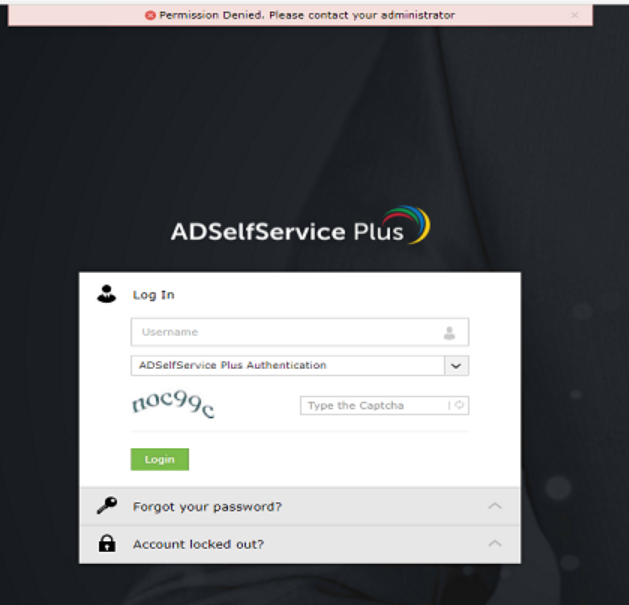
If this user is at a new affiliate bank, you may need to add the affiliate's OU to the existing policy. When logged into ADSSP as admin, go to the Configuration tab --> Policy Configuration --> on policy name ffl.net, click Edit (the pencil icon) --> Select OUs/Groups --> make sure that the Users OU for the new affiliate has a checkmark by it, then OK & Save Policy.
User should now be able to proceed with enrollment without receiving the "Permission Denied" error message.
Was this article helpful?
That’s Great!
Thank you for your feedback
Sorry! We couldn't be helpful
Thank you for your feedback
Feedback sent
We appreciate your effort and will try to fix the article