Occasionally, you may see the following error message when attempting to install Sophos Endpoint:
"Installation Failed - Failed to download the installer."
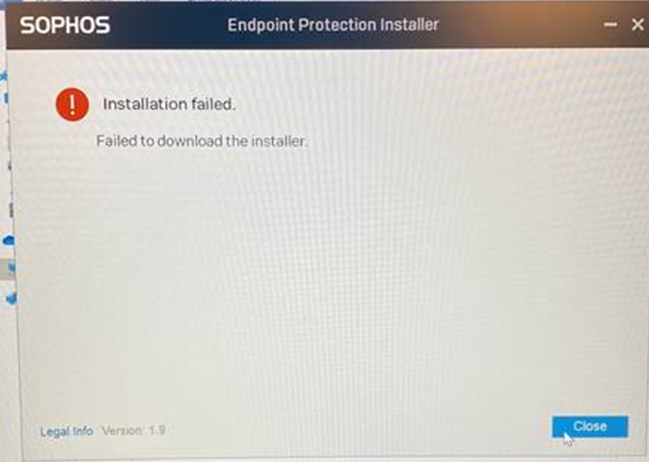
Info about this error from Chris Herbert:
This is what happened during the download process. “Installation caught error Session::synchronize failed with error code 4” means the computer could not communicate to the SOPHOS site for download. Usually this happens if the device cannot communicate with the following domains. Try performing a traceroute or pinging the sites if you do not get a reply from any of them then check Sophos central, if the device is registered delete it, reboot the machine and try the installation again. If the problem persists check the firewall for any other errors. Also gather the log file from the local machine if created, you can find the log file at C:\ProgramData\Sophos\AutoUpdate\log\ALUpdate.log. Let me know if you have any questions.
• *.sophos.com
• *.sophosupd.com
• *.sophosupd.net
• *.sophosxl.net
• ocsp2.globalsign.com
• crl.globalsign.com
Was this article helpful?
That’s Great!
Thank you for your feedback
Sorry! We couldn't be helpful
Thank you for your feedback
Feedback sent
We appreciate your effort and will try to fix the article