Occasionally, a website may be blocked by Sophos Web Protection. If the site is legitimate, a firewall admin can make a change to allow access to the site.
If the site is still inaccessible by the user after the change has been implemented, the user may need to update their endpoint.
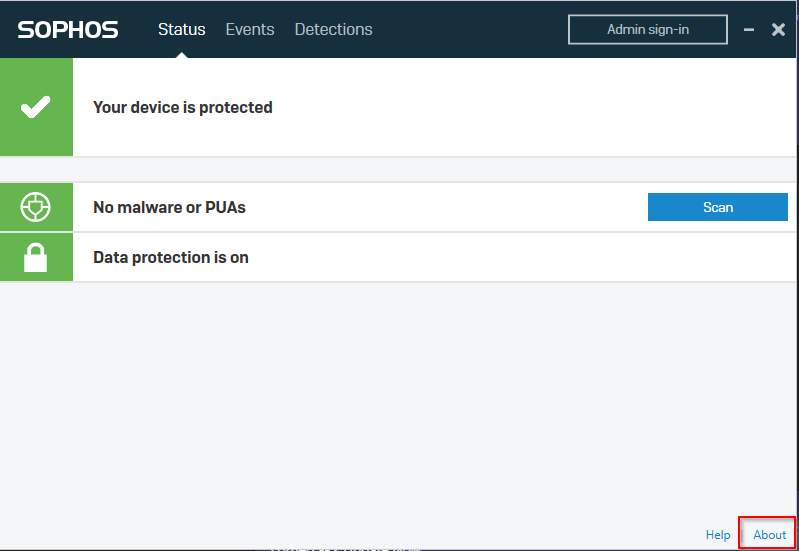
1. Open Sophos Endpoint Protection
2. Click the "About" link in the bottom right corner of the window
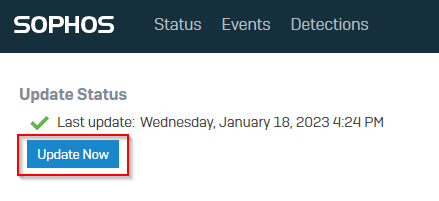
3. Click the "Update Now" button
Have the user try again - they should be able to reach the website. If not, consult your local firewall admin.
Was this article helpful?
That’s Great!
Thank you for your feedback
Sorry! We couldn't be helpful
Thank you for your feedback
Feedback sent
We appreciate your effort and will try to fix the article