For Trism to work properly, four components must be installed on the computer in addition to the Trism Application. The components can be located and installed from G:\Shared\AppFiles\Trism\New\Trism New\HID Trism Client 6.3.29B)
1. SAP Crystal Reports - (CR13SP26MSI32_0-10010309.MSI)
2. HID Trism Client 6 Push Installer.msi
Install Instructions:
On existing computers, uninstall Trism Manager and uninstall the pinpad driver (run silent uninstall batch file as admin).
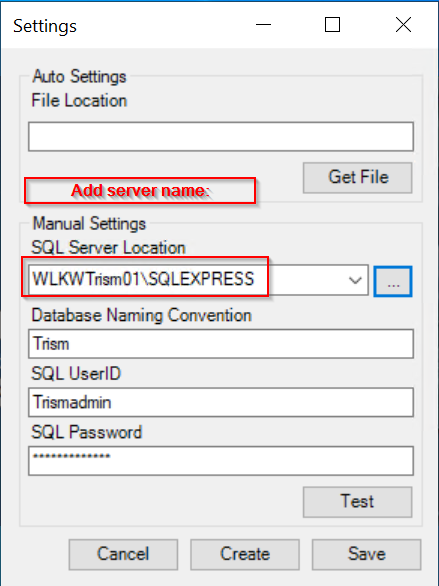
Make sure pinpad is unplugged. Install HID Trism Client 6 Push Installer.msi , then Crystal Reports (CR13SP26MSI32_0-10010309.MSI ) . Point Trism to SQL server as usual. (Holding down the Alt key will make "Settings" appear in the bottom-right corner of the login screen.)
Run the silent install batch file as admin to install new pinpad driver.
The whole process should take about 5 - 10 minutes.
Troubleshooting:
If a branch receives this error message:
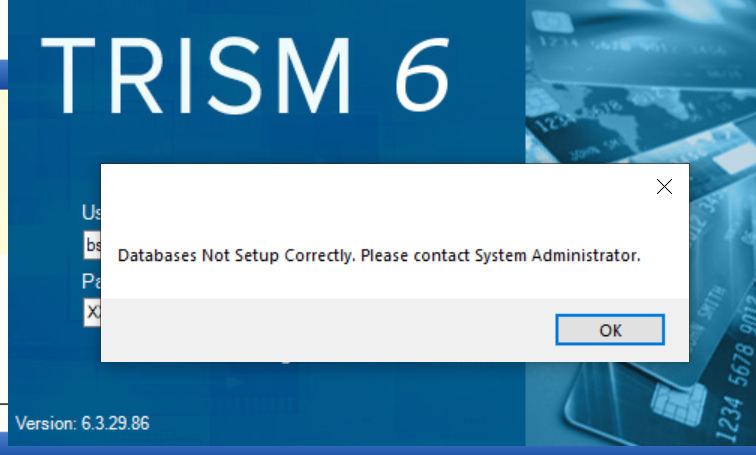
Make sure the above settings are correct. Clicking "alt" will show the settings button on the trism login screen.
If it still does not work, try pinging the trism server.
If the computer does not hit a successful ping on the server, there may be a network issue. Contact your local engineer.
If a branch receives one of these error messages, it may indicate that Trism is unable to communicate with the HSM device in our server room:
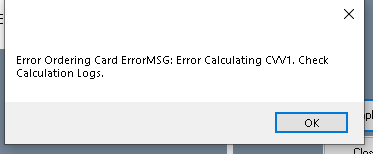
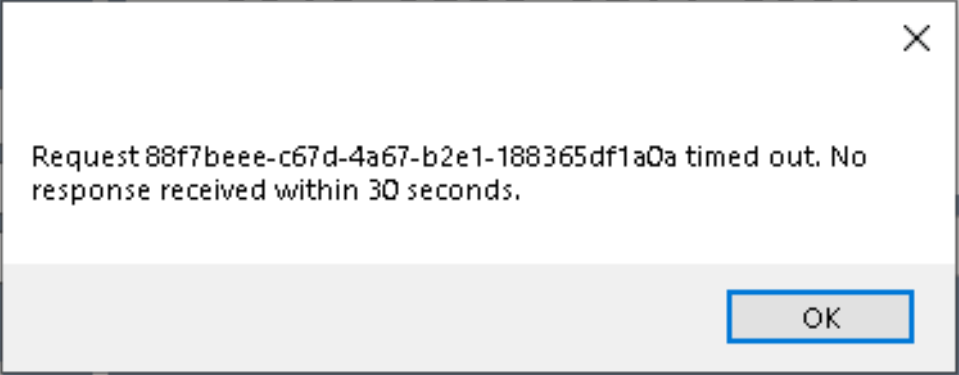
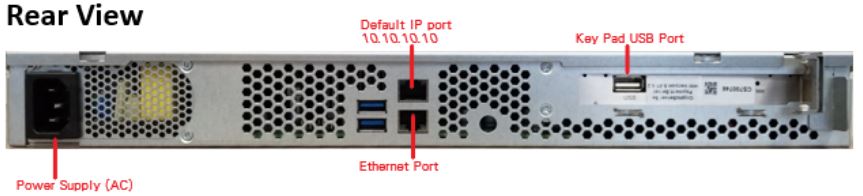
When the light on the front of the HSM device is red (bad), it may need to be hard rebooted. When rebooted, the light should turn green and stay green, then communication should be working again.
Although the light is red, the HSM device will still respond to pings from the server, so the best way to test after rebooting is to have a branch test card printing.

HID Global support can be reached at (512) 776-9950 opt 2
Was this article helpful?
That’s Great!
Thank you for your feedback
Sorry! We couldn't be helpful
Thank you for your feedback
Feedback sent
We appreciate your effort and will try to fix the article