Fedline Install

Modified on Mon, Mar 21, 2022 at 12:33 PM

Fedline is used to send ACH file and initiate Wire Transfers with the Federal Reserve Bank and is composed of two programs:  Fedline and SafeNet.
  1. 1. Install Fedline:

  2. Run (double click) G:\IT\Apps\Fedline\FedLine Advantage Connection Utility v2.msi


  3. 2. Install SafeNet:

  4. Run (double click) G:\IT\Apps\Fedline\SafeNet Authentication Client 10.8 NAKL 64-bit.msi

  5. If user is still unable to log in after these apps are installed, verify that their token is securely plugged in and lit up.  If not, have them try plugging into a different USB port.

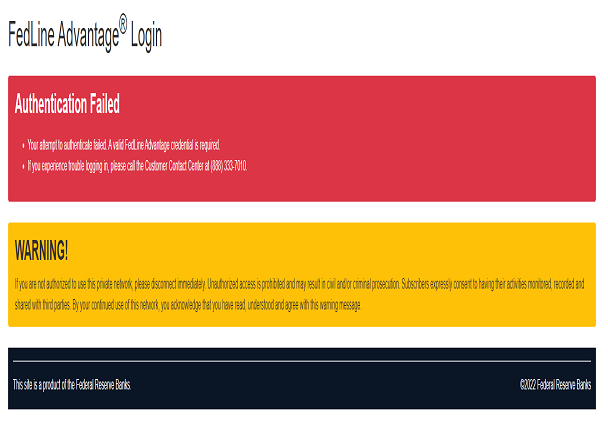
  6. If they continue receiving the message below, per FedLine, you may need to disable any "Microsoft Usbccid Smartcard Reader" devices under Smartcard Readers in Device Manager, then have the user reboot and try again.


Was this article helpful?

That’s Great!

Thank you for your feedback

Sorry! We couldn't be helpful

Thank you for your feedback

Let us know how can we improve this article!

Select at least one of the reasons
CAPTCHA verification is required.

Feedback sent

We appreciate your effort and will try to fix the article